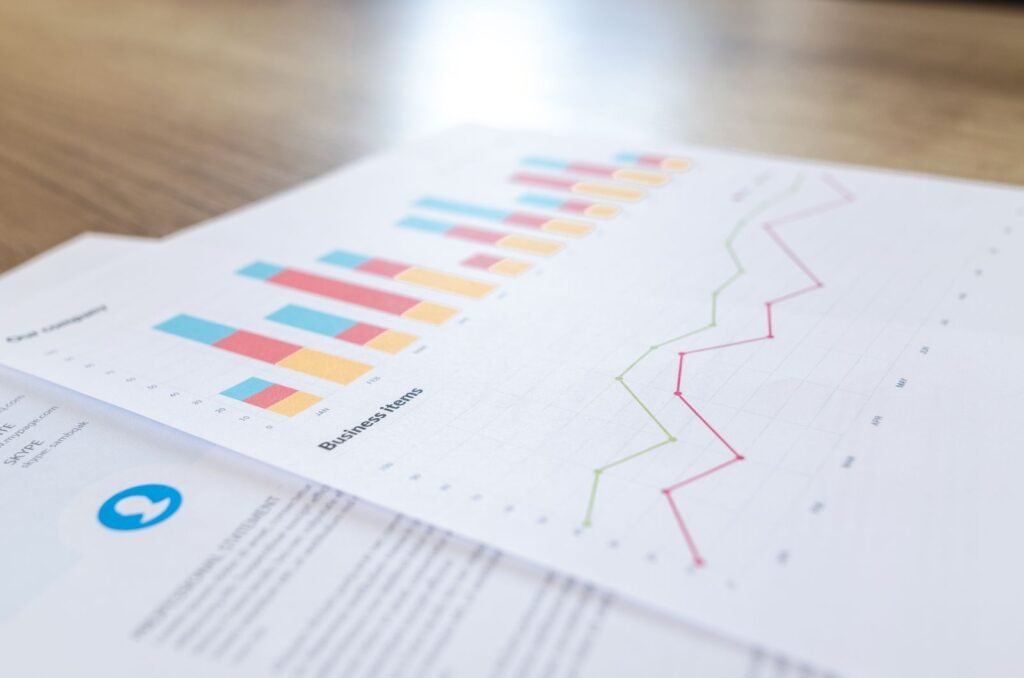
A sudden website traffic drop almost always comes down to one of six things: a Google algorithm update, a technical or indexing problem, lost backlinks, seasonality, a manual action or security issue, or a broken analytics tag that never sent a real drop at all. Check Google Search Console’s Performance report first, it tells you within minutes whether this is a ranking problem, an indexing problem, or a tracking problem.
The 5-Minute Check: Confirm It’s a Real Drop
Before diagnosing anything, rule out a false alarm. Open Google Analytics 4 and Search Console side by side and compare the same date range.
- GA4 shows a drop but Search Console clicks look normal. This is usually a tracking issue, not a real traffic loss. Check for a missing or duplicated GA4 tag first.
- Both tools show fewer clicks and impressions. Something changed with how Google is crawling, indexing, or ranking your site. Keep reading.
- Impressions are steady but clicks fell. Your rankings held, but something on the SERP changed, an AI Overview, a new competitor snippet, or a title/meta description that stopped earning clicks.
Reason 1: A Google Core or Algorithm Update
Cross-check the date your traffic dropped against Google’s confirmed update rollout dates. If the two line up within a few days, you were likely affected by a core update, which re-evaluates how Google weighs content quality and relevance sitewide rather than penalizing a single page. Sites that recover fastest are usually the ones that fix genuine content-quality gaps rather than waiting it out. We walked through a full recovery process in our core update recovery guide.
Reason 2: A Technical or Indexing Problem
A botched deploy, a plugin update, or an accidental “noindex” toggle can quietly remove pages from Google’s index. Traffic doesn’t fall off a cliff instantly in this case, it drains over one to three weeks as Google recrawls and drops pages it can no longer find or is told to ignore. If several pages seem to have vanished from search at once, start with our guide on why a website stops showing up on Google, and confirm your mobile version of the site (the one Google actually indexes) still matches your desktop content, see mobile-first indexing explained.
Reason 3: You Lost Backlinks or a High-Authority Referring Page
If a high-authority site removed a link to you, redesigned its site and broke the link, or a partner page you relied on for referral and ranking equity went offline, both direct referral traffic and the organic ranking boost that link provided can disappear at the same time. Check your backlink profile in Search Console’s Links report for domains that have dropped off in the last quarter, and reach out to reclaim genuinely broken links where it makes sense.
Reason 4: Seasonality or a Real Shift in Demand
Compare the drop to the same period last year, not just last month. Tax-prep content dips every May in the US, back-to-school content dips every September, and Nigerian retail queries shift heavily around religious holidays and salary weeks. A drop that repeats on the calendar every year is demand, not a penalty. Separately, more searches are now answered directly on the results page without a click at all, which shows up as fewer sessions even when rankings haven’t moved, our zero-click search breakdown covers how to tell the difference.
Reason 5: A Manual Action, Hack, or Security Warning
Open Search Console’s Security & Manual Actions section. A manual action (usually tied to spammy links, thin affiliate content, or cloaking) or a hacked-site flag will show here, and Chrome will start warning visitors before they even reach your site. This is rare, but it is the fastest total-traffic killer on this list and the fix has to happen before anything else on this page will matter.
Reason 6: A Tracking or Analytics Setup Error
A theme update, a cookie-consent banner, or an ad blocker update can silently break your GA4 tag without touching your actual visitors. If Search Console still shows normal clicks while GA4 shows a cliff, walk back through your GA4 setup and confirm the measurement ID is still firing on every template, including any pages a recent redesign may have missed.
Quick Diagnostic Table
| What You See | Likely Cause | Where to Check |
|---|---|---|
| Rankings and clicks both fell sitewide | Core update or manual action | Search Console: Performance + Manual Actions |
| Specific pages disappeared from search | Indexing or noindex issue | Search Console: Pages report / URL Inspection |
| Impressions steady, clicks fell | SERP feature or CTR issue | Search Console: Performance, compare CTR |
| GA4 fell, Search Console normal | Broken analytics tag | GA4 DebugView / Tag Assistant |
| Referral traffic specifically fell | Lost or broken backlink | Search Console: Links report |
Dual-Market Note: Nigeria vs US Traffic Drops
Sites serving both audiences should split the diagnosis by country in GA4 before assuming a sitewide problem. A drop concentrated in one market often points to a local cause, a Lagos or Abuja competitor overtaking a map-pack listing, a US-specific SERP feature change, or a connectivity-driven mobile experience issue that only shows up on slower Nigerian mobile networks. Our comparison of local SEO difficulty across Lagos, Abuja, and a mid-size US city is a useful next read if the drop is isolated to one region.
If you’ve worked through this list and still can’t pin down the cause, that’s usually a sign the issue is buried in the technical layer rather than content. Our SEO audit services start with exactly this kind of diagnostic.
If a sudden drop turned out to be a manual action or spam update, our guide to Google penalties and manual actions breaks down how to tell the two apart and recover from each. And if rankings look untouched but clicks still fell, check whether it is really a impressions-but-no-clicks problem rather than a ranking drop.
If your drop lines up with a confirmed Google core update date, see our dedicated breakdown of why rankings drop after a core update for how to confirm it and what actually helps recovery.