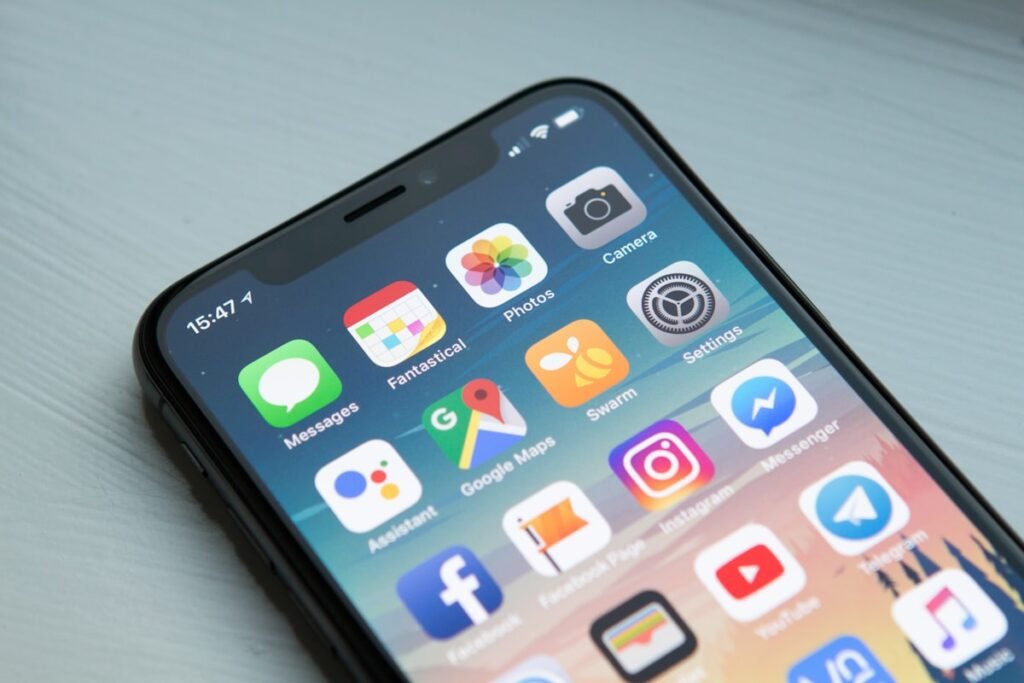
For most websites today, Google never even looks at the desktop version of a page when deciding how to rank it. Mobile-first indexing quietly became the default years ago, and plenty of site owners still do not know what that actually changes for them.
What Is Mobile-First Indexing?
Mobile-first indexing means Google predominantly uses the mobile version of a website’s content for indexing and ranking, rather than the desktop version. If your mobile page is missing content, links, or structured data that your desktop page has, Google effectively never sees the missing pieces at all.

Why Google Made This Change
The majority of web traffic and searches now happen on mobile devices, so Google shifted its evaluation to match how most real visitors actually experience a site. A page that looks great on a widescreen monitor but is broken or stripped-down on mobile no longer gets any credit for that desktop version.
READ ALSO:
- How to Fix a Slow WordPress Website, Step by Step
- What US Businesses Can Learn From Nigeria’s Mobile-First SEO Approach
What Is Schema Markup and How to Add It to Your Website
Core Web Vitals Explained: LCP, INP, and CLS
If your mobile site is a lighter, incomplete version of your desktop site, Google is ranking you on the lighter version — not the impressive one you built for the boardroom demo.
What This Means in Practice
- Content must match between mobile and desktop — don’t hide text, links, or images on mobile to save space.
- Structured data (schema markup) needs to be present on the mobile version too.
- Mobile page speed carries extra weight, since it directly reflects the version being indexed.
- Images need proper alt text on mobile, not just desktop.
- Meta titles and descriptions must be identical across both versions.
Common Mobile-First Mistakes
- Using a separate “m.” mobile subdomain with thinner content than the main site.
- Hiding secondary content behind tabs or accordions that never actually load on mobile.
- Slower mobile load times due to unoptimized images or heavy scripts.
- Intrusive interstitials or pop-ups that block content on mobile screens specifically.
How to Check Your Mobile Setup
Use Google Search Console’s Mobile Usability report to catch specific display issues, and manually compare your mobile and desktop pages side by side to confirm content, links, and metadata genuinely match.
Frequently Asked Questions
Does mobile-first indexing mean my desktop site does not matter?
It still matters for the actual visitor experience — it simply is not what Google primarily indexes and ranks anymore.
How do I know if my site uses mobile-first indexing?
Virtually all websites do by default now — Google completed the transition for the overwhelming majority of the web.
Is a responsive design enough to be mobile-first ready?
In most cases yes, since responsive design serves the same HTML and content to both, avoiding the common pitfalls of separate mobile versions.
Want your mobile site checked for hidden content or indexing gaps? Request a free mobile SEO audit.