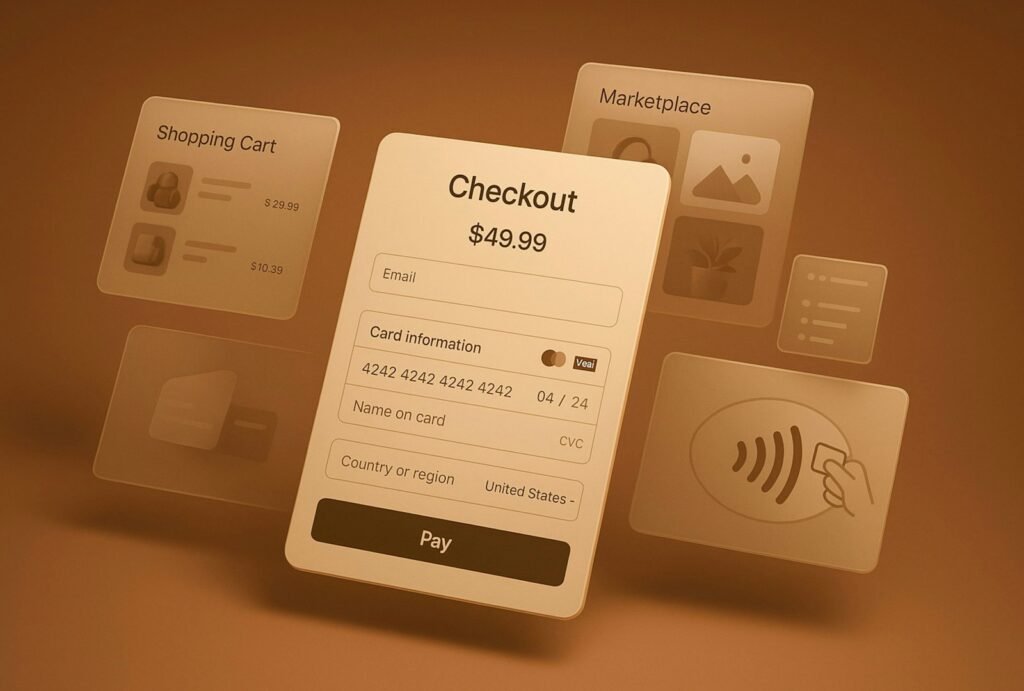
A checkout page that ranks well in Google but loses buyers at the payment step isn’t a search win — it’s a wasted click. US shoppers arrive with specific, largely unspoken expectations about how checkout should work, and every one of those expectations that goes unmet shows up downstream as bounce, exit, and abandonment signals that search engines and analytics both notice. Roughly seven out of every ten shoppers who reach checkout in the US leave without buying, and most of that abandonment traces back to friction rather than price.
Why Checkout Friction Is an SEO Problem, Not Just a UX One
SEO teams often treat checkout as “someone else’s page” — the conversion team’s problem once the click has landed. That split is a mistake. Search engines increasingly weigh engagement signals (time on site, return visits, pogo-sticking back to the results page) alongside traditional ranking factors, and a broken or confusing checkout generates exactly the negative signals that erode a domain’s trust over time. A product or category page can rank perfectly and still contribute to a declining site-wide engagement score if the path from click to purchase consistently fails at the final step.
READ ALSO:
The US-Specific Expectations Buyers Bring to Checkout
Guest checkout is the clearest example. Forcing account creation before purchase remains one of the most well-documented mistakes in US ecommerce, and a meaningful share of shoppers abandon on the spot when they hit that wall. Beyond that, US buyers expect to see familiar, trusted payment options presented up front: major credit cards, PayPal, and increasingly Apple Pay or Google Pay as one-click alternatives. A checkout that only accepts card entry, with no digital wallet shortcut, reads as dated to a large segment of mobile shoppers.
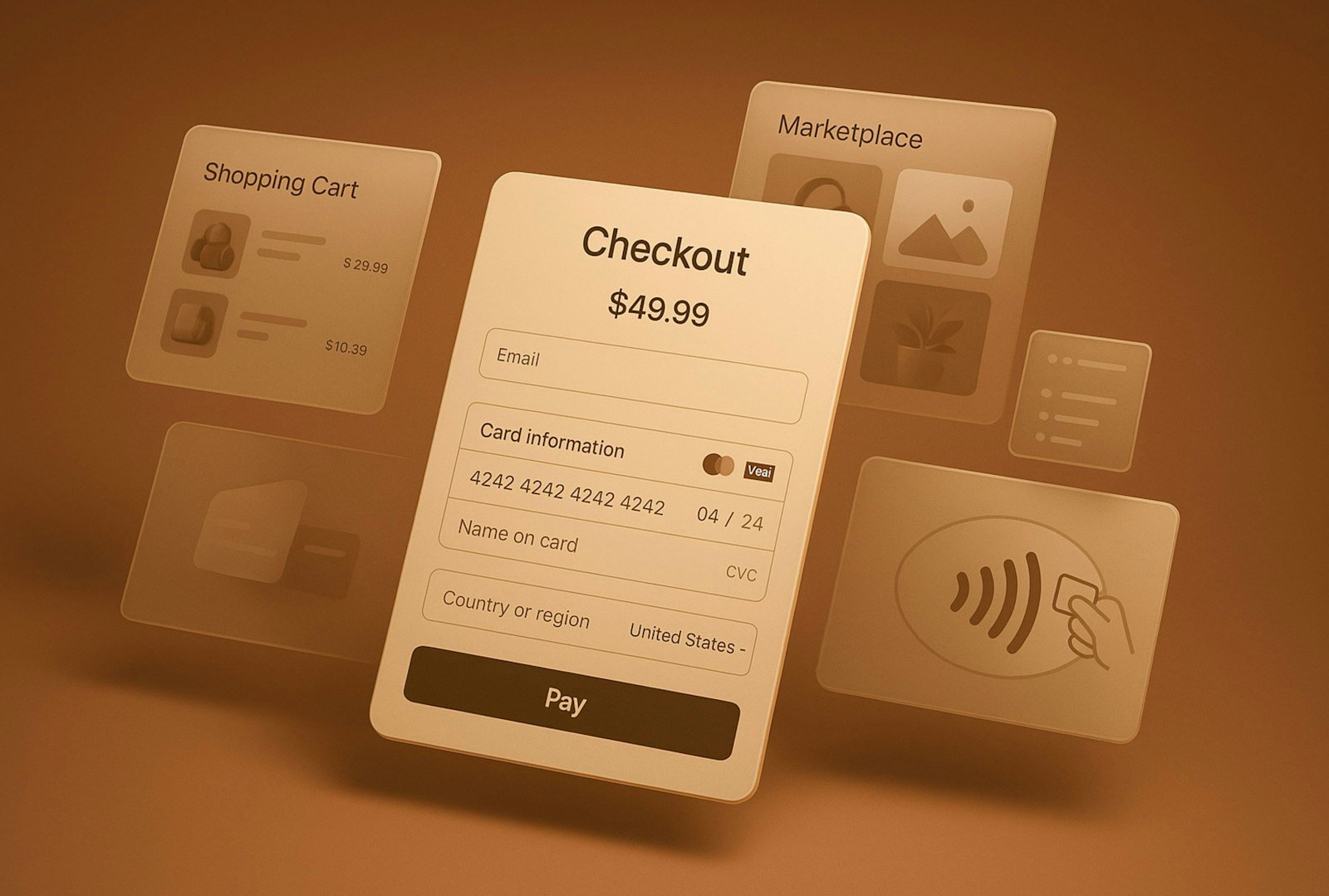
Field count matters just as much. Every additional required field is another moment a shopper can decide the purchase isn’t worth the effort. The winning pattern among US-focused stores is a single-page or clearly progress-tracked checkout with the minimum fields necessary, inline validation that explains errors in plain language, and a visible order summary so nothing feels like a surprise at the final step.
What Checkout Abandonment Actually Costs
- Forced account creation alone accounts for roughly a quarter of checkout abandonments in US ecommerce studies
- Checkout improvements tend to show measurable results within days, unlike SEO or paid acquisition work that takes months to move
- Unlike a traffic problem, checkout abandonment is usually a UX problem — the buyer already wanted the product
Mobile Checkout Is the Real Test
Most US shoppers now complete at least the browsing and cart stages of a purchase on mobile, even if some finish on desktop. A checkout form that requires pinch-zooming, has payment fields that don’t trigger the correct mobile keyboard (numeric for card numbers, email keyboard for email fields), or that hides the total behind a scroll is punishing exactly the audience segment growing fastest. Autofill support for saved cards and addresses is no longer a nice-to-have; it’s close to table stakes for any US-facing store.
How Checkout UX Feeds Back Into Search Signals
Slow-loading payment scripts, third-party checkout widgets, and unoptimized trust badges all affect Core Web Vitals, and Core Web Vitals are a confirmed part of how Google evaluates page experience. A checkout page that loads slowly on mobile networks doesn’t just lose the sale in front of it — it drags down the technical health signals search engines associate with the domain as a whole. Treating checkout performance as a technical SEO item, not just a conversion-rate item, closes that loop.
A Quick Checkout Audit Checklist
- Is guest checkout available and presented as the default path, not buried behind a “create an account” prompt?
- Are at least two payment methods beyond raw card entry available — PayPal, Apple Pay, or Google Pay?
- Does the form show inline, specific error messages instead of a generic “invalid input”?
- Does the cart total stay visible without scrolling on mobile?
- Does the checkout page pass Core Web Vitals on mobile, not just desktop?
Frequently Asked Questions
Does checkout UX actually affect search rankings, or just conversion rate?
Both. Checkout doesn’t carry ranking weight directly, but the engagement signals it produces — bounce, dwell time, return visits — feed into how search engines evaluate the overall quality of a site, and checkout-related Core Web Vitals issues are a direct technical SEO factor.
What’s the single highest-impact checkout fix for a US-facing store?
Enabling and defaulting to guest checkout tends to produce the fastest, most measurable improvement, since forced account creation is one of the most consistently cited abandonment triggers in US ecommerce research.
Do US shoppers really expect digital wallets like Apple Pay?
Increasingly, yes, especially on mobile. A digital wallet option removes manual card entry entirely, which matters most on the smaller screens and slower typing conditions of a phone checkout.
Want more strategies for turning US search traffic into paying customers? Explore more SEO Fundamentals articles.