A global shoe brand once ran an A/B test that says more about conversion optimization than most CRO playbooks combined: one version showed prices only in USD with US-style dates, the other localized currency and dates for each visitor’s region. The localized version saw a 22% increase in sales and a 15% drop in cart abandonment. Nothing about the product changed — only two small UX details did.
Why Currency Display Isn’t Cosmetic
When customers encounter prices in their own currency, it removes a mental barrier, shifting their focus from doing exchange-rate math to simply evaluating the product’s value. Studies consistently show that displaying prices in local currencies can lift conversion rates by up to 30%, and unexpected currency conversion charges at checkout remain one of the most common reasons carts get abandoned entirely.
For a Nigerian business serving US customers specifically, this cuts one direction: always display USD prominently and unambiguously, ideally as the default rather than something a visitor has to switch to manually.

Time Zones Affect Trust More Than People Expect
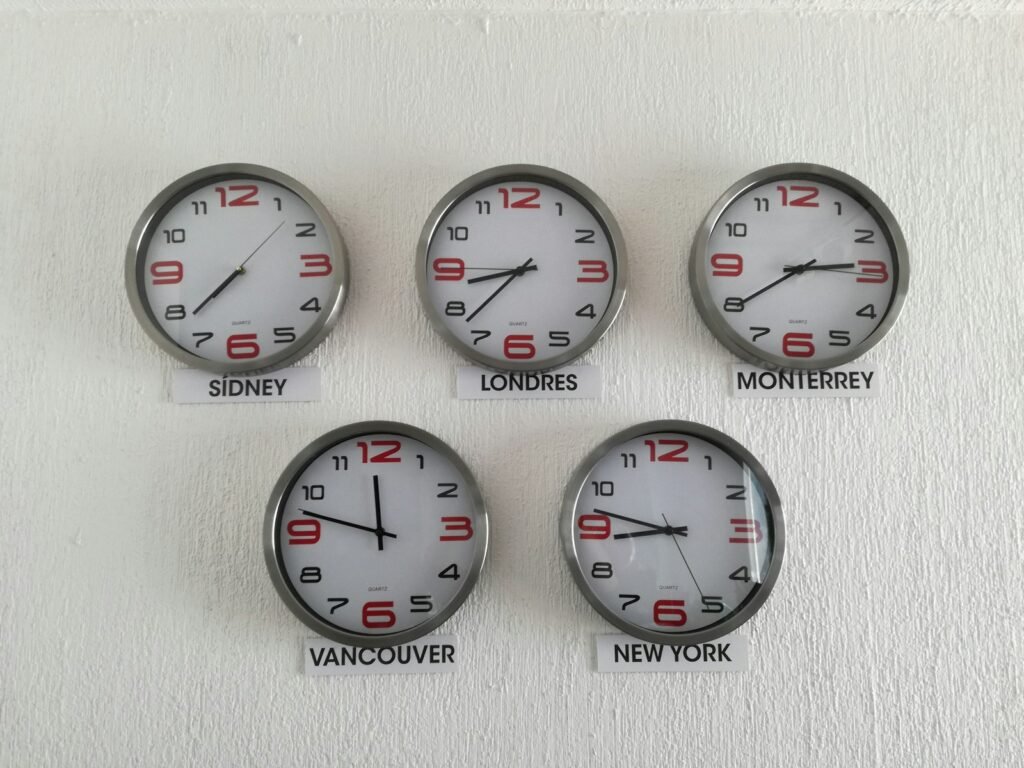
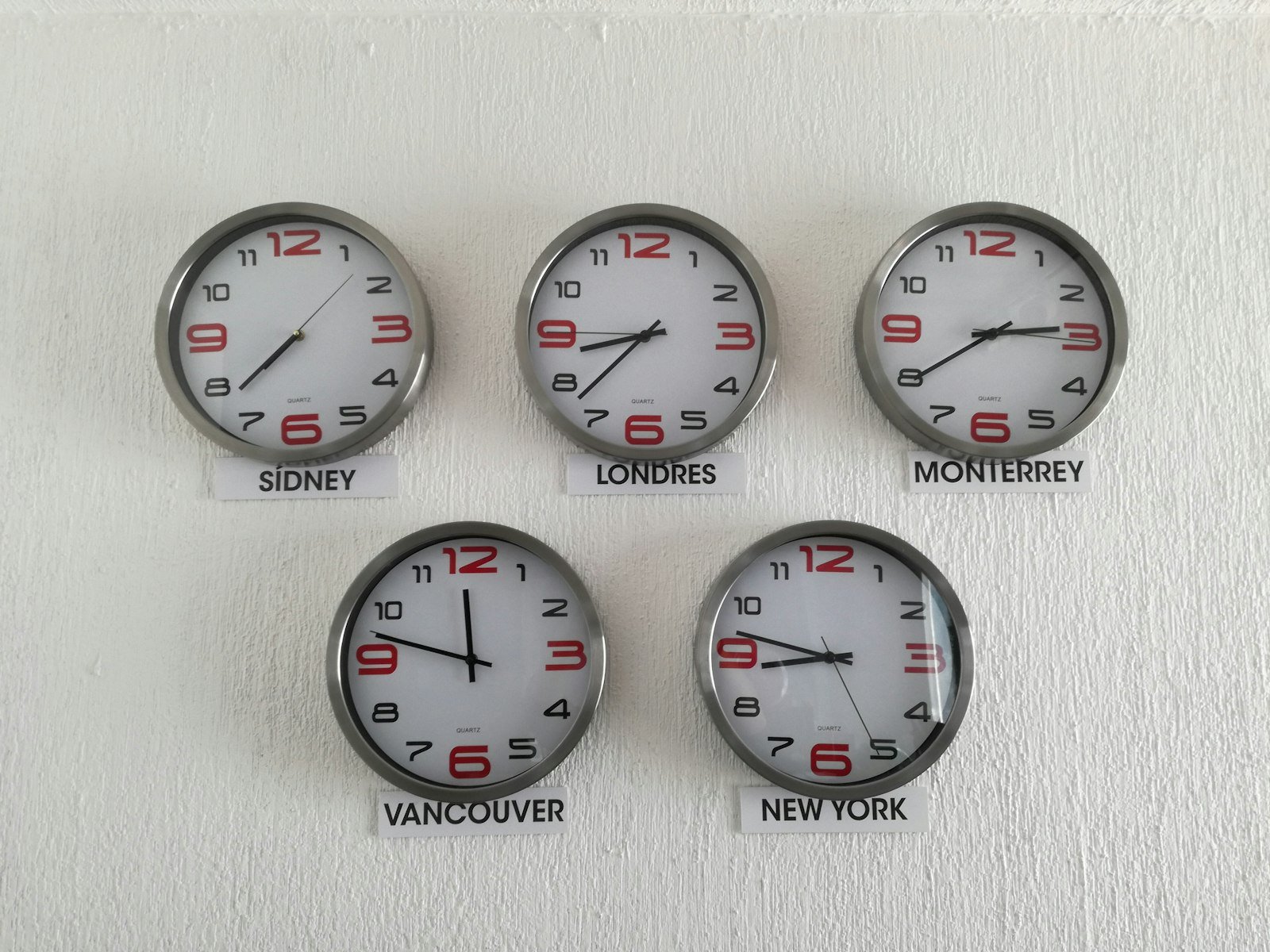
A US visitor landing on a site that displays business hours, support availability, or content timestamps in WAT (West Africa Time) without any conversion has to do mental math just to know if you’re actually open right now. That small friction reads as unpolished, even when the underlying business is completely legitimate. Displaying support hours converted to US Eastern and Pacific time, or simply stating hours in a way that’s unambiguous regardless of the visitor’s location, removes that friction entirely.
Practical Implementation Options
- Geolocation-based automatic detection: shows the visitor’s likely local currency or time zone on arrival, based on IP address
- Manual switcher: a visible dropdown letting visitors override the automatic guess, essential for VPN users or travelers
- Hybrid approach: automatic detection as the default, with an always-visible manual override — generally the best practice, since automatic detection alone can misfire
Currency conversion alone doesn’t fully localize a checkout experience. The price needs to look familiar throughout the entire funnel — product page, cart, and final checkout should all show the same currency consistently, since a currency switch appearing late in the process reads as a bait-and-switch even when it’s purely a display bug.
Customers care about whether the price looks familiar, the payment method feels normal, and the final amount matches what they expected earlier in the funnel — a mismatch at any single step erodes trust built up through the rest of the experience.
Date Formats: A Small Detail With Outsized Impact
The US uses MM/DD/YYYY while most of the rest of the world, including Nigeria, uses DD/MM/YYYY. A date displayed as 03/04/2026 is completely ambiguous across these two conventions — is that March 4th or April 3rd? For any US-facing content involving dates (deadlines, event times, publish dates), either spell out the month or default explicitly to US formatting to avoid this exact confusion.
What This Looks Like on a WordPress Site
For most WordPress-based businesses, a lightweight currency switcher plugin combined with a clearly stated time zone in any scheduling or contact information covers the majority of this without needing a full e-commerce localization stack. The goal isn’t perfection — it’s removing the specific moments of friction where a US visitor has to stop, calculate, or guess.
Frequently Asked Questions
Do I need a full multi-currency e-commerce setup for a service-based business?
Usually not. Clearly displaying USD pricing and US-friendly date formats covers most of the trust gap for service businesses; full multi-currency infrastructure matters more for e-commerce stores with international SKUs.
Should I show my local Nigerian time or convert everything to US time?
Convert or clearly label it. Showing WAT without context forces the visitor to do the conversion themselves, which is exactly the friction you want to remove.
Does currency localization actually affect SEO, or just conversion?
Mainly conversion and trust, not rankings directly — but since it reduces bounce and increases engagement time, it can indirectly support how search engines perceive page quality.Want more strategy breakdowns like this?
Explore more SEO Fundamentals guides.
Related Reading
Post Views: 174